Beyond the desk · Passion 02
ADS-B plane
tracking
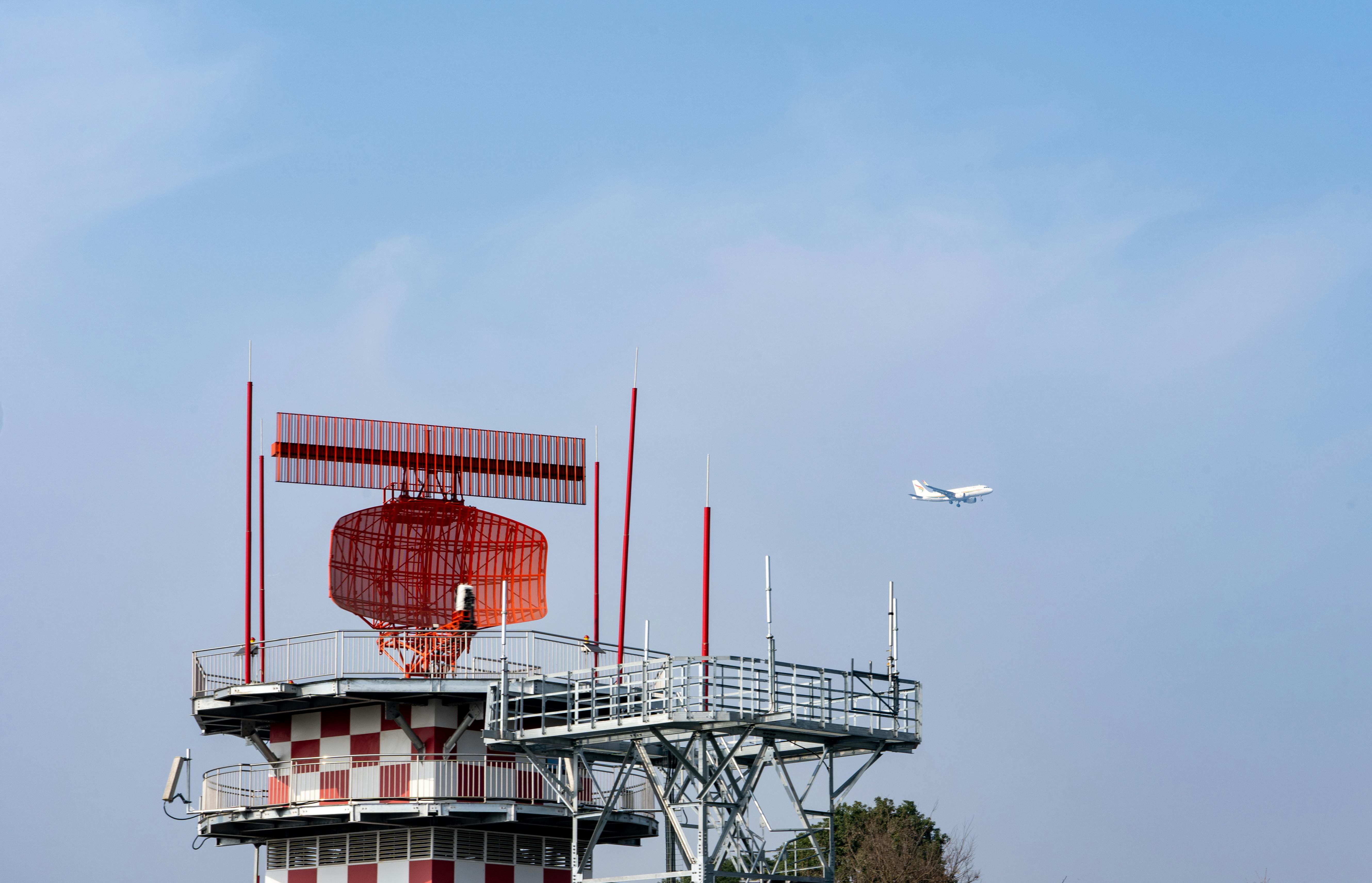
It started in Shannon, Ireland, living close enough to the airport that transatlantic jets passed low overhead on their way to and from North America — one of the first landfalls and departure points for aircraft crossing the ocean to and from Europe. I got into the habit of looking up and guessing where each one had come from and where it was headed. ADS-B tracking turned that guessing game into something I could actually watch happen, live, on a map.
Aircraft constantly broadcast their identity, position, altitude and speed over ADS-B. With a small, cheap receiver, anyone can pick that up — no subscription, no antenna aimed by hand, just software-defined radio and curiosity.
The hardware
A Raspberry Pi 4 does the job.
A Raspberry Pi 4 is plenty of computer for a full-time ADS-B feeder. The one detail worth getting right is the case: pick one that is light-coloured and either actively fan-cooled or passively cooled with a proper heatsink. A dark case left outdoors or on a sunny windowsill absorbs heat quickly, and a Pi that overheats will throttle itself or drop off the network at the worst possible moment — usually a clear, busy flying day.

The software: ADS-B Exchange
The feeder image I use and recommend is the official one from ADS-B Exchange — the largest unfiltered, crowd-sourced flight-tracking network, kept open because feeders like this one contribute raw, unfiltered data (including military and government aircraft that other networks are asked to hide).
- Download and flash the current feeder image from the ADS-B Exchange SD-card image documentation.
- Follow their own step-by-step equipment and setup guide to connect the SDR dongle, antenna and network. I won’t repeat their steps here — they keep that page current, and it’s the source to follow.
Feeding more than one network
One receiver and one Raspberry Pi can feed several flight-tracking services at the same time, each running its own lightweight feeder client alongside the ADS-B Exchange one:
- FlightAware — via their PiAware feeder software.
- Flightradar24 — via their fr24feed client.
- RadarBox24 / AirNav Radar — via their RBFeeder client.
Important: a low-power Raspberry Pi 4 running several feeder clients at once, each doing its own MLAT (multilateration) calculation, can be pushed into overload and start dropping connections or crashing. Keep MLAT enabled only on the ADS-B Exchange feed, and switch it off on FlightAware, Flightradar24 and RadarBox24. The position data from ADS-B Exchange’s MLAT is enough; running the same calculation three more times in parallel just burns CPU for no extra benefit.
My feed
[Add your FlightAware profile link here]
Root causes: why I read the Aviation Herald
I’m a regular reader of avherald.com, Simon Hradecky’s independent aviation safety site. It tracks incidents and accidents through to what the official investigation actually finds, updating each report as the real cause comes out — weeks or months later — rather than stopping at the first headline or the first guess.
It’s a professional habit as much as a personal one. My own career has been built around organisation and process, and the principle is the same everywhere: a root cause deserves to be identified and fixed properly, not patched over at the symptom. Aviation just makes the stakes impossible to ignore — a human safety risk that isn’t negotiable, ahead of cost, schedule, or anything else.
No antenna? No problem: TheFlightWall
Setting up my own receivers, feeder scripts and cron jobs taught me a lot about SDR, Linux and APIs along the way — but not everyone wants to solder an antenna, flash an SD card and figure out MLAT just to know what’s flying overhead. TheFlightWall is the plug-and-play version of the same thrill: a small LED display that shows every flight currently overhead, live, within a radius you set — commercial jets, private jets and helicopters, with altitude, speed and heading. Setup is a QR-code scan in their companion app; no soldering, coding or command line involved. It’s a one-time purchase with no subscription, which is the trade-off for skipping all of that — I keep mine set to a 15 km radius around home.